Have you ever imagined managing your money with just a few taps on your phone? It sounds too good to be true, but that's exactly what the best personal finance apps offer.
In a world where 6 out of 10 Brazilians have no control over their finances, these digital tools are proving to be powerful allies in avoiding unpleasant surprises at the end of the month.
Who hasn't wondered where their paycheck went before the 10th? The answer lies in the smart organization.
Modern apps turn your smartphone into a 24-hour financial advisor, showing you where every cent is going and helping you set realistic goals.
Getting out of the red might be easier than you think. Just choose a good app that fits your lifestyle.
Some even offer automatic alerts about overspending and reminders for upcoming bills—all synchronized right in the palm of your hand.
In this article, you'll learn:
• How the tools that are revolutionizing your money management work
• Detailed analyses of the top 5 apps on the market
• Tips for using technology to your advantage and achieving financial security
Ready to turn your cell phone into your best pocket companion? The solution for keeping your bills organized is closer than you think.
Introduction to Digital Financial Control
Did you know that 73% of Brazilians who use digital tools to financial control Have they reduced their debt over the past year?
This transformation begins when you understand where every real you spend goes. Tracking your income and expenses is no longer a tedious task—it has become a strategic habit.
The Importance of Managing Your Finances
People who track all their expenses are three times more likely to save money, according to a survey by the SPC Brazil. The key is having a complete overview of the budget.
A reminder about impulse purchases or a forgotten bill can help prevent unpleasant surprises at the end of the month.
The Evolution of Apps in the Brazilian Market
The first versions only tracked expenses. Today, these platforms analyze patterns, suggest goals, and even negotiate debts automatically. This evolution has brought about:
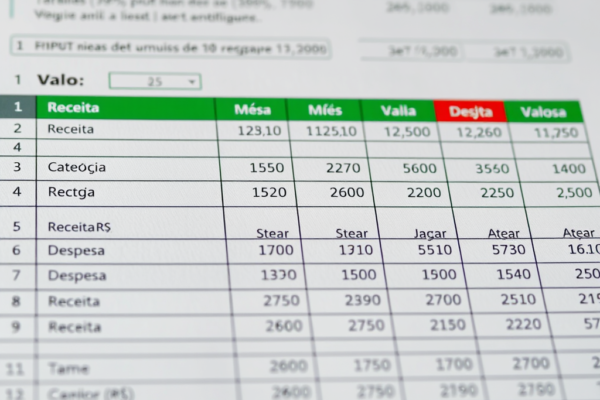
| Features | Old Method | Current Solution |
|---|---|---|
| Expense Log | Manual Spreadsheet | Automatic recognition |
| Goal Tracking | Complex calculations | Interactive Charts |
| Detailed Reports | Monthly reports | Real-time analytics |
With these changes, maintaining the control It's come down to a matter of minutes a day. Just open your phone to see how small adjustments in your daily routine impact your finance in the long term.
Benefits of Personal Finance Apps in Your Daily Life
Have you ever thought about having a financial ally that fits your budget? Modern tools have revolutionized the way we manage our money, delivering tangible results for those who are looking for control spending efficient.
A recent survey shows that users of these platforms save 22% more than those who use traditional methods.

Saves time and causes fewer headaches
Forget about complicated spreadsheets. Automatic synchronization with bank accounts updates your balance in real time. You can see exactly where you're spending the most—whether at the grocery store or on your credit card.
Smart features help you create financial planning Personalized. Budget limit alerts and money-saving tips appear when you need them most.
| Old Routine | With the Apps | Result |
|---|---|---|
| Manual entry | Full automation | +3 free hours per week |
| Disorganized accounts | Smart Grouping | 40% Reduction in Oversights |
| General Goals | Measurable objectives | Economics 30%: Faster |
From Theory to Practice: Real Results
People who use these platforms for 6 months are able to reduce spending cut back on non-essentials by up to 35%. Interactive charts show your monthly progress, motivating lasting changes.
True transformation comes from financial education. Detailed reports reveal hidden patterns in your habits. This allows you to make informed decisions that positively impact your financial life.
Evaluation Criteria for Selecting the Best Apps
Choosing the right tool makes all the difference when it comes to managing your money. With so many options available, understanding what really matters It helps you avoid frustration and ensures that you get the most out of the features offered.
Ratings, reviews, and user feedback
The opinions of those who have already tried it are a valuable indicator. Apps with an average rating of more than 4 stars in the app stores tend to have intuitive interface and efficient support.
Read reviews about recent updates—some issues may arise after new versions are released.
One important detail: note how many people rated it. Platforms with more than 10,000 users They tend to provide more reliable data. Be wary of perfect ratings without constructive criticism—balance is essential.
Essential features and key integrations
The features Basic features should include automatic expense categorization and personalized alerts.
But what sets it apart is its ability to synchronize multiple accounts banking services and cards all in one place.
Integration with popular services (such as Nubank or PicPay) saves time and reduces manual errors. Check to see if the app allows you to export data to spreadsheets—this makes it easier to conduct more in-depth analyses.
According to a study, comparing three options before making a decision increases satisfaction by 60%. Try out the free versions to see which one fits best into your routine.
Remember: the best apps These are the ones you actually use every day.
Key Features and Functions of the Apps
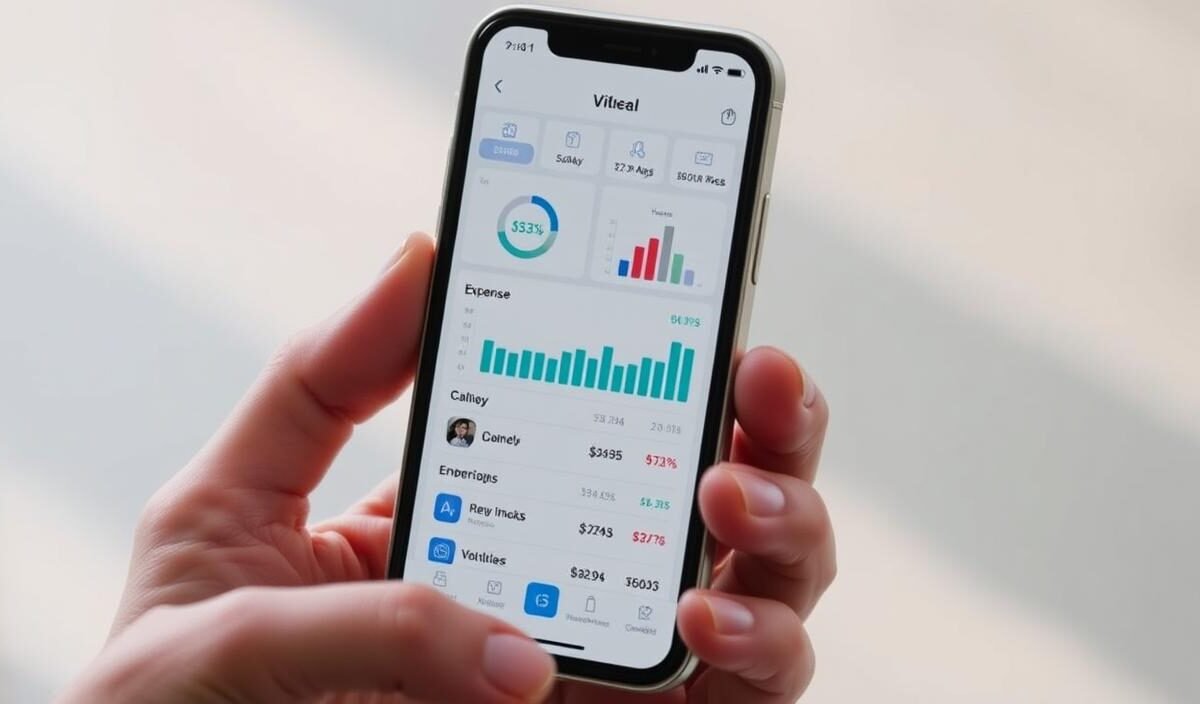
Imagine being able to visualize your entire financial life in colorful charts? Modern tools turn complex numbers into clear insights.
This digital revolution offers three essential pillars for anyone who wants to take control of their budget.

Charts That Tell Stories
Detailed reports reveal hidden patterns in your spending. A pie chart can show how much goes toward transportation or leisure. These visualizations help you identify budget leaks.
Define goals It has become a strategic game. Track your progress in percentages and receive alerts when you’re close to exceeding your limits. According to 2023 data, people who use this feature save 27% faster.
| Resource | Traditional Method | Modern Solution |
|---|---|---|
| Monthly Analysis | Static spreadsheet | Interactive Charts |
| Goal Tracking | Manual reminders | Smart Alerts |
| Data Integration | Repetitive typing | Automatic synchronization |
A connection that simplifies things
Synchronize multiple cards and saves hours of manual work. Transactions appear automatically, categorized by type. This integration prevents you from forgetting expenses on different platforms.
Leading apps connect to more than 15 financial institutions. Real-time updates show your actual balance, taking all transactions into account. No more surprises with your closed statement!
Ranking of the Best Apps on the Market
When choosing your digital partner, every detail matters. The market currently offers options that vary in complexity—from basic tools to full-featured platforms with integrated investments.
The key is to find the one that fits your lifestyle and goals.
Analysis of Segment Leaders
Mobills stands out for its smart alert system that notifies users of above-average spending. Organizze, on the other hand, excels at automatically categorizing expenses, making it ideal for those looking for financial control effortlessly.
| Platform | Strengths | Indication |
|---|---|---|
| Monefy | Ultra-simplified interface | Beginners |
| GuiaBolso | Integration with more than 15 banks | People who have multiple accounts |
| My Expenses | Exportable reports | In-depth analyses |
Features that make a difference in your wallet
While some tools focus on budget Some apps provide detailed tracking, while others offer savings goals with rewards. Mobills Pro, for example, lets you simulate future financial scenarios—a valuable feature for long-term planning.
- Organize: Automatic Recognition of Recurring Purchases
- Monefy: Offline mode for recording expenses without an internet connection
- GuiaBolso: Direct debt trading on the platform
Trying out free versions for 2–3 weeks will help you figure out which system fits best into your routine. A user from the Northeast saved R$ 1,200 in three months by switching between two options until I find the perfect one.
Hands-on comparison is still the best way to master your financial control.
Android and iOS Apps: Compatibility and User Experience
Do you have an Android or iOS phone? The good news is that the leading management tools work on both platforms. This flexibility allows you to keep your financial control up-to-date, regardless of the device.
Syncing across versions ensures that your data follows you wherever you go.
Benefits of Apps for Android Users
Android users enjoy deep integration with Google services. Custom notifications appear directly in the status bar, making it easy to check them at a glance.
Most of the free versions It offers full support for tablets and cell phones from various brands.
Highlights of the iOS versions
In the Apple universe, apps stand out for how well they’re optimized for the brand’s ecosystem. Features like Siri Shortcuts let you add expenses using voice commands.
Syncing via iCloud keeps your data safe and accessible on all your devices.
| Features | Android | iOS |
|---|---|---|
| Customization | Customizable widgets | Integration with Wallet |
| Updates | Frequent releases | Optimization for the new iOS |
| Exclusive Resources | Dynamic Dark Mode | Face ID for login |
Platforms updated monthly incorporate user feedback, continuously improving the experience. Even in the free version, you'll find basic reports and spending alerts. Choosing between Android and iOS is now a matter of personal preference, not a technical limitation.
Free Trials and Premium Versions: What to Consider
Trying something out before buying it has never made more sense than when choosing a management app.
Most platforms offer free trial 7 to 30 days—a crucial period for determining whether the tool meets your actual needs.
Cost-benefit analysis and limitations of the free versions
Start with the free version It lets you explore basic features without breaking the bank. You can:
- Record manual expenses
- Create simple categories
- Receive alerts for accounts nearing their due date
But keep in mind: detailed reports and automatic synchronization with banks are usually premium features. These limitations can make it difficult to precise control if you have multiple sources of income or investments.
| Resource | Free Version | Premium |
|---|---|---|
| Expense History | 3 months | Unlimited |
| Personalized Goals | 2 objectives | Unrestricted quantity |
| Priority Support | No | 24 hours a day |
The secret is to make the most of the free trial to verify whether the fees you pay actually provide tangible benefits for your case.
It's worth asking: is it It is possible to do long-term economic projections with the free version? If not, the upgrade might be worth the investment.
Premium platforms usually cost less than a cup of coffee a day. Before you sign up, check to see if they offer a satisfaction guarantee—that way, you can try out the full service risk-free.
Tips for Maximizing Your Financial Planning
Turning dreams into financial reality starts with smart planning. A recent study shows that people who review their budget weekly save 18% more than those who do so only monthly.
The secret lies in combining practical methods and technology.
From Chaos to Control in 3 Steps
First, set aside expenses fixed and variable expenses by using different colors in the app. This helps you identify where to cut costs. Second, establish goals Step by step: Saving R$ 100 this week seems more feasible than saving R$ 1,000 in three months.
| Action | Traditional Method | Modern Solution |
|---|---|---|
| Track Expenses | Notes in a notebook | Automatic notifications |
| Set Goals | Random values | Smart Goal Calculator |
| Periodic Review | Monthly check | Personalized Weekly Alerts |
Check your progress every Friday. Adjust expenses in case of unforeseen circumstances—this flexibility prevents us from abandoning the planning.
Use visual reminders: stick notes on the mirror or set your wallpaper to images of your goals keeps motivation high.
Specialized apps offer payment reminders and insights into spending habits. Incorporate these tools into your routine, but don't rely on them exclusively.
The balance between automation and financial awareness is the key to lasting results.
Integration with Other Control Tools
Does having all your financial transactions in one place sound like magic? Connecting platforms makes this idea a reality. When systems communicate with each other, you get a comprehensive view of your money—from your savings account balance to your credit card limit.
The Power of Smart Connections
Syncing your management app with traditional banks like Caixa or Santander eliminates the need to check each account separately. The transactions They appear automatically, categorized by type and date. This makes it possible to identify spending patterns at different institutions.
Who uses this tool According to a 2023 study, this integrated system saves up to 12 minutes a day. Automation reduces manual errors and offers:
| Manual Management | With Integration | Advantage |
|---|---|---|
| Enter each operation | Instant update | +90% precision |
| Check out 5 different apps | Unified Dashboard | Saving time |
| Forget about secondary accounts | Comprehensive monitoring | Total control |
Platforms that connect all accounts (including NuBank and PicPay) display their net worth in real time.
Receive alerts when an invoice from the Bank Brazil's index reaches 80%, staying just below the threshold and avoiding a last-minute scare at the close.
To maximize results, choose tool that supports the key institutions in your daily life. This integration transforms scattered data into practical insights—the foundation for smart financial decisions.
Conclusion
Turning numbers into strategy has never been more crucial. The data shows: those who use digital tools to financial control saves up to 35% faster.
The key is to choose platforms that combine intelligent automation with personalized analytics.
Features such as automatic categorization of spending and real-time reports provide clarity on your cash flow. Compare options Market share based on reviews from real users increases by 60%
the chance to find the perfect solution for your daily routine.
Integration with banks and cards It eliminates manual work, while interactive charts reveal hidden patterns.
These features They make budgeting a simple habit—not a tedious chore.
With consistent use, you gain more than just positive numbers: you gain peace of mind to plan trips, investments, or that special course. The path to a financial life A balanced life starts with a click. Why not take the first step today?
FAQ
Q: How do I choose the best financial management app?
A: Evaluate features such as charts, reports, and synchronization with bank accounts. Apps like Mobills and Organizze stand out for offering these tools in an intuitive way. Also check user reviews on Google Play or the App Store.
Q: Are personal finance apps safe to use?
A: Most popular options, such as Guiabolso and Monefy, use encryption to protect your data. Always check the permissions requested and choose apps with a good reputation in the market.
Q: Is it worth paying for the premium version of these apps?
A: It depends on your needs. Free versions, such as Mobills, already allow you to record transactions and generate basic reports. If you need detailed goals or integration with multiple cards, the paid version may be useful.
Q: Do these apps work well on both Android and iOS?
A: Yes! Apps like Organizze and Guiabolso are optimized for both platforms. On iOS, the experience is usually smoother, while on Android there’s a wider variety of free options.
Q: How do I set financial goals using these apps?
A: Just go to the "Goals" section in the app of your choice (such as Mobills) and enter your amounts and deadlines. Many apps show your daily progress with easy-to-understand charts.
Q: Can I sync digital bank accounts in these apps?
A: Yes! Apps like Guiabolso automatically integrate with Nubank, PicPay, and other digital accounts. This makes it easy to track your income and expenses in real time.