Do you know exactly how much you've spent over the past seven days? A expense report It gathers simple information—such as date, category, and amount—to turn scattered purchases into a clear overview of your budget.
With just a few minutes of organization, you can review your bills, identify overspending, and make better decisions before your next purchase. This method works whether you use a notebook, an app, or a spreadsheet—without relying on paid tools or advanced knowledge.
How to Put Together Your Expense Report
Start by choosing a single place to record everything. Your expense log should include the date, description, category, payment method, and amount—even for purchases that seem small.
An entry such as “9/12 — lunch — food — credit card — ”R$ 80” already provides more information than a generic note made only at the end of the month.
In a Monthly Budget Spreadsheet, each line can represent a purchase. In a notebook, set aside one page per month; in an app, use equivalent fields to maintain consistency.
To get started without any hassle, follow this short, repeatable sequence:
- List your recent expenses: Review your statements, invoices, and receipts from the past 30 days before filling out the records.
- Define categories: Select categories such as housing, food, transportation, health, recreation, and services.
- Record the values: A purchase of R$ 80 for food should be entered as R$ 80, not as a rounded estimate.
- Choose a routine: Update daily, every other day, or at a set time each week, depending on your transaction volume.
In practice, an expense tracker is most useful when all payments follow the same format. This makes it easier to compare grocery shopping, food delivery, and dining out.
What documents should you keep?

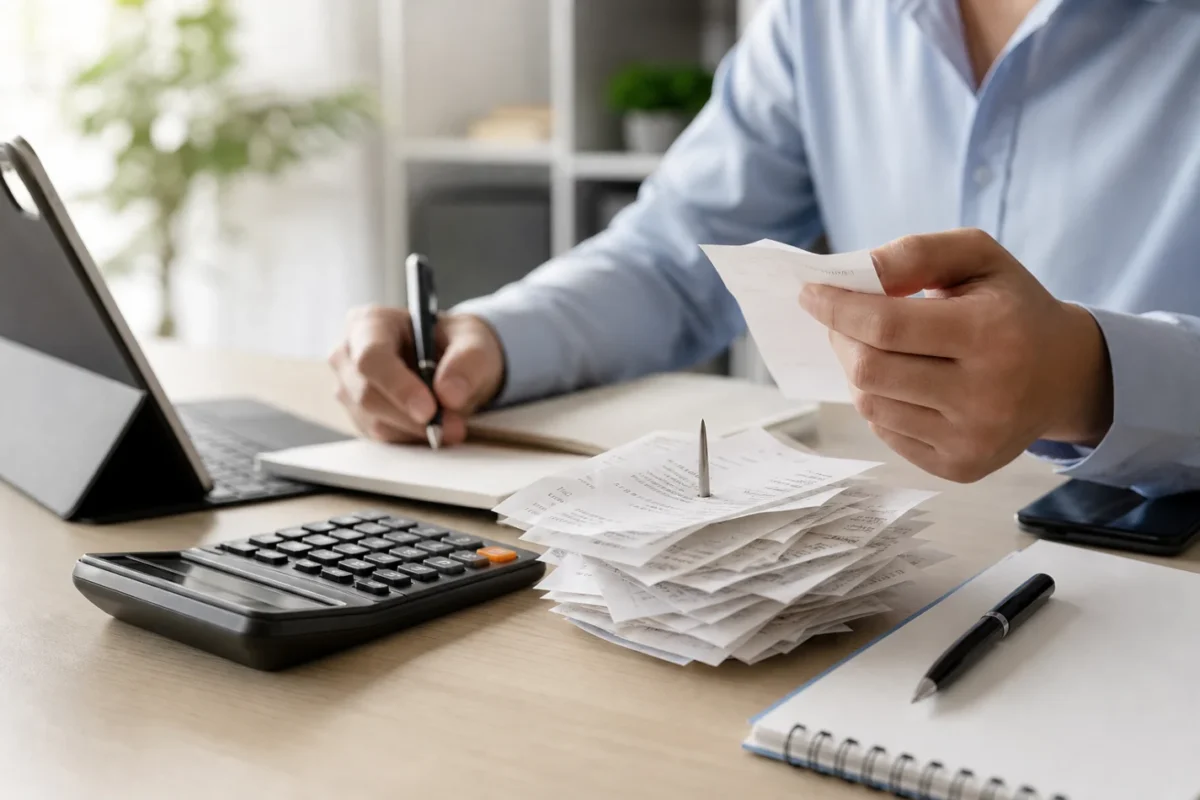
The expense report shows what was recorded, while the receipts help confirm whether the charge actually occurred. This verification process clears up any doubts about amounts, dates, and duplicate payments.
Keep your invoices, receipts, transfer confirmations, bills, and digital purchase records. They can help clarify a credit card charge or confirm a purchase made online.
The expense report does not replace the original documents. The retention period and the need to keep each receipt vary depending on the type of expense, the contract, and the purpose of the document.
For institutional information on relationships with banks and financial services, see the guidelines from financial literacy of Bank Headquarters. This is an organizational recommendation, not a legal or tax-related one.
Physical documents can be sorted into envelopes or folders. Electronic documents, on the other hand, should be organized into a folder structure with names that are easy to find:
- Per month: Create folders such as “2026-09” and “2026-10” to avoid a disordered sequence.
- By category: Within the month, use subfolders such as “Housing,” “Food,” and “Transportation.”.
- Standardized name: Record “2026-09-12_mercado_R$80” or a similar format, without relying on memory.
- Backup: Keep a second copy of your important files on another device or a trusted service.
When reviewing the expense report, link each entry to the corresponding document when necessary. Routine purchases may be handled differently from contracts, warranties, or higher-value expenses.
How to Track Personal Expenses
Categorizing expenses by type helps you understand your budget. Fixed expenses tend to recur; variable expenses fluctuate; occasional expenses occur at irregular intervals; and installment payments affect future periods.
Consider a rent of R$ 1,500 as a fixed expense. A grocery bill of R$ 600 may be variable, since the amount changes depending on consumption, even though it occurs frequently.
A purchase of R$ 120 paid in five installments represents R$ 120 committed in each of the five periods. The total amount contracted will be R$ 600, but the monthly budget should take into account the current installment.
This distinction makes the expense report easier to read. In practice, we’ve noticed that many entries seem small on their own, but become more significant when recurring payments are added up.
Also, look for charges that go unnoticed:
- Signatures: Apps, platforms, and clubs can remain active even when they are rarely used.
- Rates: Account maintenance, banking services, and fees should be included in the statement.
- Old installments: Purchases made months ago may continue to deplete your available funds.
- Automatic debits: Scheduled accounts should be reviewed to prevent unexpected postings.
When filling out the expense report, mark the installments as “1 of 5,” “2 of 5,” and so on. This prevents you from having to recalculate the total amount the following month.
To learn more about the Personal Expense Tracking, it's a good idea to separate household, personal, and professional expenses. Mixing these categories makes it harder to figure out how much it actually costs to maintain your family's daily routine.
Routine for updating records

Your expense log needs to reflect your actual spending. If you make a lot of purchases, you can update it daily; if you use only a few payment methods, you might prefer to review it weekly or every two weeks.
Choose a frequency that works for you, not a perfect routine. Five minutes after dinner may be enough to record transfers, debit card payments, and cash purchases.
Once a week, compare your expense log with your bank statement and credit card bill. Look for missing amounts, duplicate entries, fees, and purchases that were categorized incorrectly.
In our organization tests, setting aside a specific day reduced the buildup of receipts and made it easier to identify payments. The benefit comes from regular review, not from an automatic commitment.
Use this simple study guide:
- Gather the sources: Open the bank's app, your credit card statement, and your recent receipts.
- Check the boxes next to the items you've checked: Mark each entry that has already been reconciled with the documentation.
- Correct duplicates: Delete duplicate records, keeping the entry that corresponds to the actual charge.
- Record installments: Just record the installment for the period and note the total amount agreed upon in a comment.
If a purchase was made with the card, record the date of the purchase and the amount to be paid, making sure to clearly label the transaction so as not to confuse spending with bill payments.
For those who want to learn How to Manage Daily Expenses, the most important thing is to set a fixed time and treat the recording as a short task, not as a lengthy monthly activity.
How to Analyze Your Monthly Expenses
After filling out the expense report, add up the amounts by category. This step turns individual entries into an overview of the budget, allowing you to compare planned versus actual figures.
Imagine a monthly budget of R$ 3,000. If R$ 900 is allocated to housing, R$ 500 to food, and R$ 350 to transportation, these categories will account for R$ 1,750.
In this example, the expense sheet shows that there is R$ 1,250 remaining for healthcare, bills, leisure, education, installment payments, investments, and other expenses. This balance does not represent disposable income: this amount still needs to be allocated.
In your analysis, compare each category with the limit set at the beginning of the month. If food expenses were budgeted at R$ 450 and ended up at R$ 500, the difference was R$ 50, which warrants further investigation.
Also note the frequency of the deviations. A one-time expense of R$ 80 is interpreted differently from five purchases of R$ 80, which total R$ 400 for the period.
Three questions can help you interpret the results:
- What was planned: Check the limit set for each category before making payments.
- What was accomplished: List the confirmed entries, including current rates and installments.
- What deserves attention: Identify recurring issues, price increases, or unanticipated expenses.
If the expense report shows excessive transportation costs, you can compare trips, fares, and frequency of use. The analysis supports a specific decision, such as reviewing routes or adjusting the category limit.
For those who prefer a quick overview, the two-minute method It can supplement the pre-purchase follow-up, without replacing the monthly report.
The goal is to make informed decisions based on your own numbers. You don't have to cut out all your fun expenses; first, figure out which choices fit within your available budget.
Errors That Hinder Control
An expense receipt loses its value when entries are put off. Without the exact date and amount, small purchases may be forgotten or assigned to the wrong category.
Fix this issue by recording the transaction on the same day or setting aside a specific time to do so. If there is a delay, check your statement, portfolio, and notifications to reconstruct the payments.
Mixing personal and business expenses also skews the picture. Use separate categories and identify reimbursements, advances, and purchases made on behalf of the business.
Another mistake is ignoring fees. A charge of R$ 12 may seem small, but four such charges add up to R$ 48. Include the amount on your expense report and check where it came from.
Future installments require attention. A purchase of R$ 600 paid in five installments does not end in the month the contract is signed. Record R$ 120 for each period and track the remaining four installments.
Keeping receipts in a haphazard manner also slows down the verification process. Use monthly folders, consistent labels, and categories that correspond to the entries in your financial records.
If you have higher-than-expected fixed expenses, read the guidelines on adjustments to fixed expenses. For variable expenses, consider alternatives before cutting out important items.
Finally, don't try to fix everything at once. Choose one error, take a specific action, and repeat the review the following week. Consistency improves the quality of your records over time.
A next step toward clarifying the budget
Maintain a expense report An up-to-date budget helps you see your commitments, compare categories, and make decisions with greater peace of mind. Start today by looking at the last seven days, choose a simple format, and review the numbers weekly.
Once your routine is in place, move on to goals, savings, and investments that align with your profile. To complement your progress tracking, also learn about other ways to cut costs without acting on impulse. This content is for educational purposes only and does not constitute an investment recommendation. Consult a certified financial advisor before making any decisions.
Frequently Asked Questions About Expense Reports
What is an expense report, and what is it used for?
An expense log is an organized record of expenses, including details such as the date, description, category, payment method, and amount. It turns scattered purchases into a clear overview of your budget, helping you verify charges, identify overspending, and make better decisions before making new purchases.
How do you fill out an expense report correctly?
Choose a single place—such as a notebook, app, or spreadsheet—and record each purchase in the same format. Review recent statements, invoices, and receipts; define categories; enter the exact amount; and establish a daily, every-other-day, or weekly routine to keep your entries up to date.
What receipts should be kept with the expense report?
Keep invoices, receipts, transfer confirmations, bills, and digital purchase records. These documents help confirm amounts, dates, and payments, as well as clarify credit card charges. Organize physical files by folder and electronic documents by month and category, using names that are easy to find.
Is it better to track expenses in a notebook, an app, or a spreadsheet?
There is no single ideal option: a notebook, an app, or a spreadsheet can all work. The most important thing is to choose a single location and keep the fields standardized. A spreadsheet makes comparisons and calculations easier, while a notebook and an app cater to different preferences without requiring paid tools or advanced knowledge.
Does the expense report replace the original receipts?
No. The expense report records expenses, but it does not replace invoices, receipts, bills, or proof of payment. These documents are used to verify the entries and must be retained according to the type of expense, contract, and purpose, following specific guidelines when necessary.