PIX in Brazil: Everything You Should Know Before Using It – Here you’ll find a straightforward guide to using PIX with confidence. You’ll learn what it is, how to sign up and change your keys, how to make transfers through the app, and how to protect yourself from scams.
You'll also learn about the differences between TED and DOC, limits and fees, and how businesses can accept payments via PIX. It's all practical and easy, so you can get started right away.
Main conclusions
- You can make and receive payments instantly, at any time.
- You can use a key (CPF, email, phone number) or a QR code to make a transfer.
- For individual customers, many transactions are free.
- Protect your account with a password and confirm transactions to prevent fraud.
- Companies and stores accept PIX for fast payments and receipts.

All About PIX: What Is PIX and Why You Should Use It
PIX is a instant payment system created by the Central Bank, which enables instant transfers and payments, 24 hours a day, every day of the year.
If you've ever had to wait for a TED transfer to go through or had to provide an account number, PIX solves that problem: all you need is a key (cell phone number, email address, CPF/CNPJ, or EVP) or a QR code to send and receive payments in seconds. For more details, see Official Information on How PIX Works.
Use PIX because it's fast and convenient. In many cases, it's free for individuals, reduces the need to carry cash, and makes it easier to pay bills, make purchases, and split expenses.
Stores and service providers already frequently accept PIX—for you, that means less time waiting in line and more control over your payments.
It's also safe as long as you take basic precautions: verify the recipient's identity before making a transfer, use strong passwords in your banking app, and enable two-factor authentication.
The process of registering and managing keys is simple, and once set up, PIX becomes a powerful tool for managing your personal cash flow.
Tip: Always double-check the recipient's name before confirming the transfer. A quick visual check can help you avoid losing money to scams.
How PIX Works in a Nutshell
You register a PIX key with your bank (CPF, email, cell phone number, or EVP) and link it to your account.
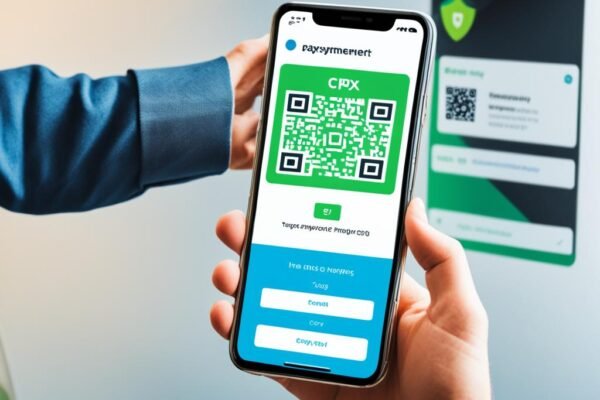
To pay, open the app, select PIX, enter the key or scan the QR code, confirm the amount, and that’s it—the money leaves your account and arrives in the other person’s account in seconds. For a practical step-by-step guide, see how to make a PIX payment through a bank or digital wallet at How to Make a PIX Transfer.
Step by step:
- Register a PIX key with your bank.
- In the app, choose to send via key or QR code.
- Please confirm the amount and the recipient's name.
- Transaction completed in seconds.
Key Benefits of PIX for You
The biggest benefit is speed: transfers in seconds, without having to rely on bank hours. Other points:
- Speed: payments in seconds.
- Availability: Operates 24/7.
- Convenience: QR codes and keys.
- Economy: Lower fees for individuals (see comparison with credit cards at credit card or PIX).
- Accessibility: ideal for small businesses and service providers.
The Difference Between PIX, TED, and DOC in Your Daily Life
PIX is instant and works around the clock. TED transfers are usually processed the same day if made during banking hours; DOC transfers are slower (they arrive the next business day) and are rarely used in everyday transactions. In summary: use PIX for speed; TED for transfers during business hours; DOC only when necessary.
A Step-by-Step Guide to Registering Your PIX Key
Registering your PIX key is quick and easy in your bank’s app or digital wallet. Open the app, go to the PIX section, and select “Register Key.” Think of it as putting a label with your name on it to receive money: easy and straightforward.
For detailed instructions on use and registration, see the practical guide on How to Make a PIX Transfer.
Steps:
- Open the bank's app and go to PIX.
- Tap "Register Key" and select the type (CPF, email, cell phone, or EVP).
- Enter the requested information and confirm by authenticating (password, biometrics, or token).
- Please check to see if you received the confirmation—active key.
Key types: CPF, email, cell phone, and EVP
- CPF: simplicity—ideal for receiving payments without providing additional contact information.
- Email: useful for keeping your personal life separate from your payments.
- Cell phone: the most practical tool for everyday life.
- EVP (random key): a sequence generated by the bank that protects your privacy by not revealing your CPF, email address, or phone number.
Bonus: If you lose your cell phone, EVP prevents your number from being directly linked to your account.
Tip: Choose the type of key that fits your routine. If you do a lot of online shopping, email or cell phone access might be more convenient; if you want privacy, go with EVP.


How to change or delete your PIX key in the bank's app
Changing or deleting a key is simple and almost always free. In the app: PIX → My Keys; select the key and tap Edit or Delete. To change it, you may need to register the new key and then delete the old one, depending on your bank.
When deleting, confirm with a password or biometric authentication. Deletion is usually instantaneous, but sometimes it takes a few hours to take effect. If you have scheduled charges, check them first—deleting the key does not cancel charges that have already been set up.
How to Make a Transfer with PIX: Sending, Receiving, and Processing Times
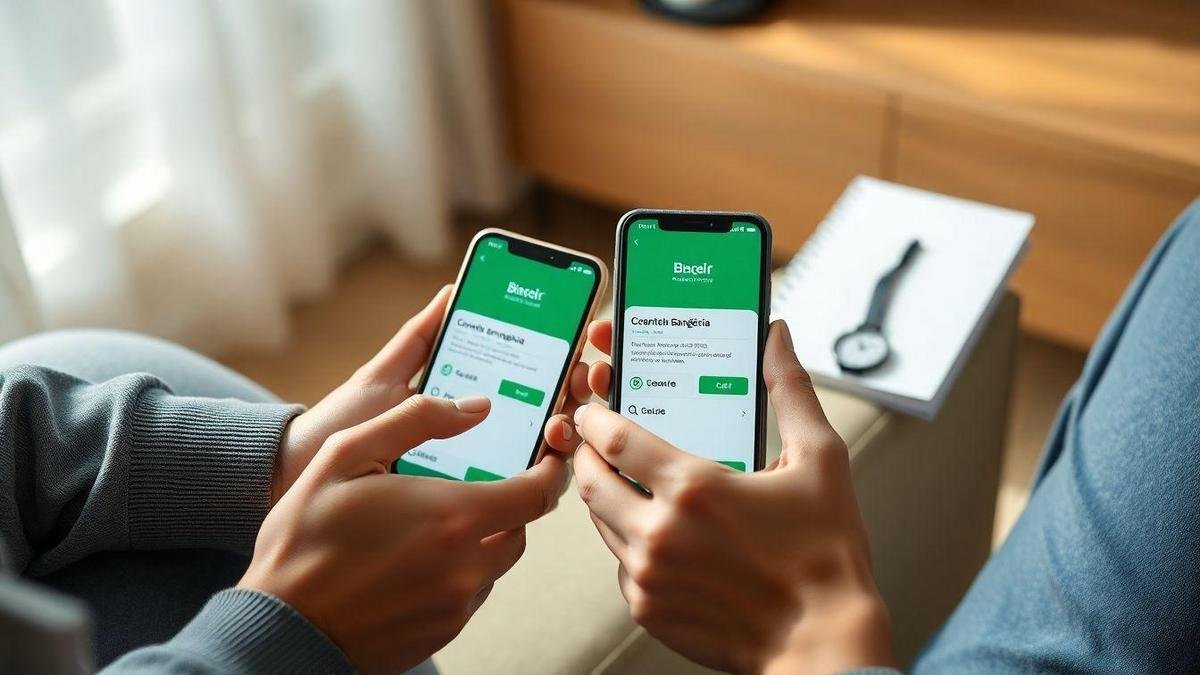
PIX is the fastest way to send and receive money in Brazil. You use an identifier (CPF, email, phone number, or random key) to identify the account. When everything is in order, the transfer arrives instantly, even on weekends and holidays.
Not everything happens instantly: chargebacks, fraud investigations, or transactions involving banks undergoing maintenance may take longer. If there’s a delay, your first step should be to contact your bank; many issues are resolved within a few hours. Always keep your receipt—it serves as proof in case of an error or fraud.
Step-by-Step Guide to Making a PIX Transfer Using the App
Follow these steps in your bank's app:
- Open the app and select the PIX option.
- Select “Send” and enter the key or scan the QR code.
- Confirm the name and amount shown in the app.
- Review and confirm using a password, biometrics, or a token.
- Save the receipt or take a screenshot.
Next, check to see if the status shows as "completed" and if the recipient has received the payment. If anything doesn't add up (different name, incorrect amount), contact the bank immediately. Ask for the transaction reference number and keep the receipt until you receive final confirmation.
⚠️ Quick tip: Always double-check the key and the name before confirming the transfer.
Troubleshooting Common Issues When Making Transfers with PIX
If the PIX transfer wasn't completed, check the receipt and transaction history in the app. Common issues: incorrect key, limit exceeded, insufficient balance, or bank outage.
If the account number is incorrect, the transfer is often rejected, and the amount is credited back to your account within minutes. If the money was debited but did not reach the recipient, the recipient's bank should investigate.
Suspect fraud? Block the app and contact your bank's customer support immediately. To learn how to protect yourself and what to do if you're the victim of a scam, see the guidelines from prevention of financial scams and the alerts about Financial scams on the rise.
Fraud-related chargebacks can take days; many simple issues are resolved within 24 to 72 hours.
If something seems off—such as a name that doesn't match or an urgent request for confirmation—stop and verify it through another channel before sending. PIX fraud increases when you act in a hurry.
PIX Transaction Limits and Hours
PIX operates 24/7, but each institution sets its own limits per transaction and per day. Large amounts may require additional authentication or manual review, which delays completion.
Check your app to see your daily limit and request an adjustment if you need to send larger amounts; the bank usually adjusts it after reviewing your request. To understand regulatory changes and the regulator’s requirements, follow the new Central Bank rules.
PIX Security: How You Protect Your Transactions
PIX is fast and convenient, but treat every transfer seriously. Always check the recipient's name before confirming the transaction.
Simple steps can greatly reduce the risk: update your banking app, use only official apps, and avoid public Wi-Fi networks when making transfers. Turn on notifications for every transaction, set limits on transfer amounts whenever possible, and review your statement frequently.
If something seems unusual, contact the bank immediately. For guidance on digital security, see Practical Tips for Avoiding Online Fraud.
Best Practices for Avoiding Scams and Phishing
- Always check the recipient's name before confirming.
- Don't click on links you receive via text message or WhatsApp without checking them first.
- Never share verification codes or your password.
- Use a secure Wi-Fi connection and keep your banking app up to date.
- Be wary of orders that are rushed or made under pressure.
To strengthen your defense, read the practical tips on prevention of financial scams.
Scams come via text message, phone call, or link. Never give your password, token, or SMS code to strangers. If someone claims to be from the bank, end the conversation and call the official number yourself.
Authentication and Security Measures Implemented by Banks for PIX
Banks use biometric authentication, device recognition, and systems that detect unusual transactions.
This reduces fraud, but it doesn't eliminate risks. Enable biometric authentication, set a strong password, and opt in to notifications. Review your daily limits and request temporary blocks for transactions above a certain amount, if necessary.
How to Report and Block Your Key in the Event of Fraud
If you suspect fraud, block your card or account in the app immediately and call the bank's official customer service line. Gather receipts, screenshots, and the times of the transactions.
File a police report online and keep the case number. Also notify the bank about the police report to speed up chargeback attempts.
- Block the card through the app or online banking.
- Call the bank's official phone number and request that the card be permanently blocked.
- File a police report and save the case number.
- Send the supporting documents to the bank and ask them to follow up on the matter.
- Change your passwords, enable biometric authentication, and monitor your accounts for several days in a row.
Warning: Act quickly. Every minute counts.
PIX for Businesses: How Your Company Can Receive and Accept Payments via PIX
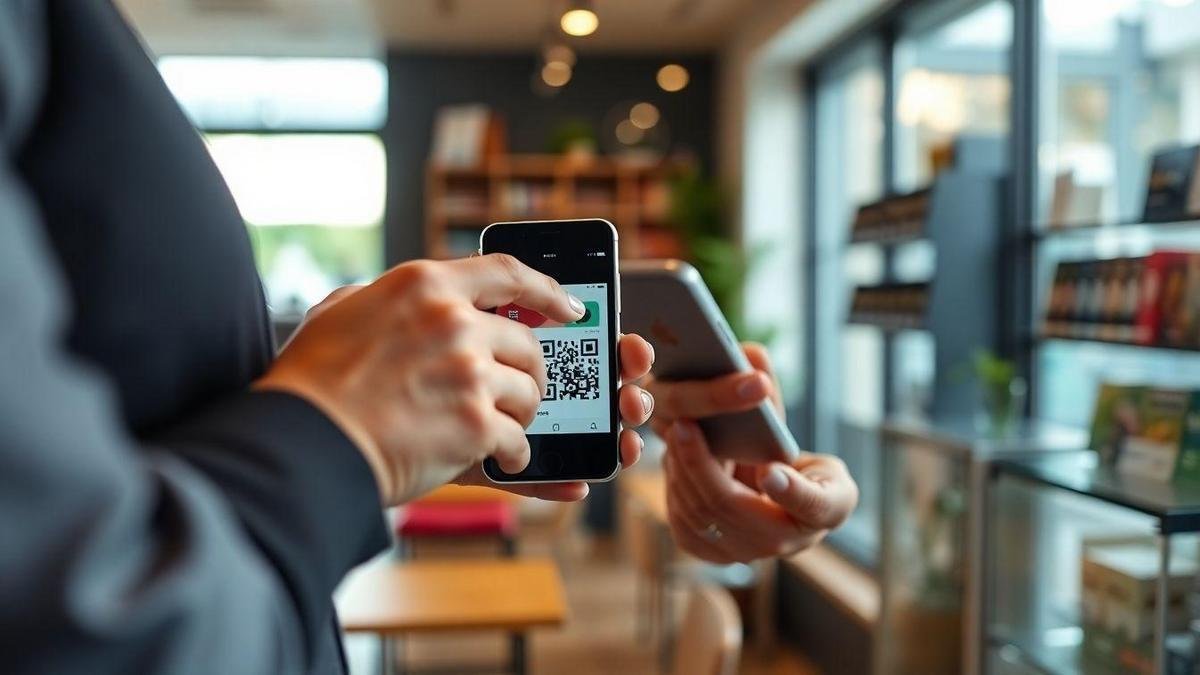
You can start accepting PIX payments today. Open a business account at a bank or fintech company that offers QR code and API-based payments; for instructions on opening an account, see How to Open a Bank Account.
Also consider adopting digital accounts to facilitate integrations and reduce costs. For practical guidance, see the A Practical Guide to Accepting PIX at Your Business from Sebrae.
What to offer customers:
- Billing via dynamic QR codes, payment links, API billing, and automatic reconciliation.
PIX improves the customer experience: generate a dynamic code for each sale, include a link on the electronic invoice, or integrate directly with the POS. Many businesses use PIX for one-time sales, subscriptions, and receiving converted payment slips—at a lower operational cost than credit cards (compare costs at credit card or PIX).
If you want to master the technical aspects, study API integration and bank reconciliation procedures. Tools and personal finance apps can help with reconciliation. Run a test before going live, and keep track of your bank's fees and limits.
Integration of PIX payments with QR codes and APIs
Integrating via QR code is simple: generate a dynamic QR code for each sale or use a static QR code for recurring payments. The dynamic QR code reduces errors—it contains the amount, due date, and order ID—and makes reconciliation easier.
APIs enable the automatic creation of invoices, webhooks for notifications, and consolidated reports. Connecting your system to the provider automates the posting of receipts and the issuance of payment confirmations.
Test failure scenarios (partial payment, chargeback) and document the workflow. For the latest news and innovations in payment methods, follow initiatives such as the one in the market at Payments via WhatsApp.
Note: Before activating in production, simulate payments and reconciliations. Confirm receipt formats and settlement times with the provider.
Differences Between Business and Personal Accounts for PIX Payments
A business account is for companies: it handles high transaction volumes, offers better reports, and provides full integrations. Many fintech companies make their full APIs available only to legal entities, making it easier to issue invoices with tax identification numbers. For those who bill regularly, a business account is the right choice.
PF accounts have limitations on commercial use and may be frozen if used to receive too many business payments. Mixing accounts complicates documentation and tax compliance. Learn more about the basic differences between accounts at What is a checking account? when making a decision.
Tax Rules and Issuance of Receipts for Businesses
Issue invoices according to the type of transaction and keep records of PIX receipts for accounting purposes; reconcile electronic receipts with your accounting records.
Record sales, file taxes correctly, and use data from PIX receipts for tax reports and tax calculations. See also the Information on invoices and tax obligations on the Federal Revenue Service's official website.
For financial management, see resources on personal finances and budgeting which also help small businesses organize their workflows and reports.
PIX Fees, Scheduling, and Cost Considerations
PIX is usually free for individuals for basic transactions, but banks may charge fees—especially for additional services, business transfers, or high transaction volumes.
Read the terms and conditions of your bank or digital wallet to avoid any surprises. If you have questions about charges, check the Guidance on Rates and Consumer Rights.
In the business world, it’s common to see fees for receiving payments, advance payments, or additional services (reports, accounting integration, batch transfers). Compare your options before accepting any packages.
Scheduling a PIX transfer is convenient, but it may incur costs if the bank charges for scheduling or scheduled services. Use the scheduling feature only when necessary, and be sure to check for any applicable fees.
When Banks Can Charge PIX Fees and Exceptions
Banks may charge fees when PIX is used for commercial purposes (sales receipts, platforms, high volume). Individuals are generally entitled to free PIX transactions within the bank’s standard volume limit.
There are temporary promotions and exemptions; check the app to see what's covered. Also, stay up to date on the regulator's rules regarding billing changes in new Central Bank rules.
Warning: Scammers use the promise of “free PIX” to ask for your information or passwords. Never share your PIX key with anyone who claims they need it to release funds.
How to Schedule a PIX Transfer and Use It Safely
Scheduling a payment is simple: select the recipient, choose the date and time, and confirm. Use this feature for bills that are due on the same date every month or to split payments. Check the recipient's CPF/CNPJ and name before confirming.
Don't schedule appointments on behalf of others without verifying the details, keep your app up to date, and don't save passwords in public places. For step-by-step instructions, visit How to Make a PIX Transfer.
Hidden Costs and Alternatives for Reducing PIX Fees
Some charges appear as late payment interest, international transaction fees, or fees for customer service. To reduce fees:
- Choose banks or fintech companies that are transparent about their costs.
- Use personal accounts for simple transfers and a business account for sales.
- Compare rates among providers before signing up for a service.
Tip: Comparing rates can save you a lot of money; sometimes it's worth switching financial institutions.
Conclusion: PIX in Brazil: Everything You Need to Know Before Using It
PIX is a convenient, instant tool that has revolutionized the way we send and receive money.
It’s fast, often free for individuals, and as simple as entering a key or scanning a QR code. Think of it as a highway for your money: it gets you there quickly, with no tolls most of the time, but you need to pay attention to traffic.
Use with caution: always verify the recipient's name, keep the receipt, and secure the app with a password and biometric authentication.
Don't fall for scams; be wary of urgent messages, and never share codes. For businesses, PIX opens up new possibilities (APIs, dynamic QR codes), but it also involves fees and tax liability—keep your accounts separate and consult your bank.
Start slowly if you're unsure: test it out with a small amount, review your limits, turn on notifications, and keep the app up to date. Small habits prevent big headaches.
Want to learn more? Keep exploring practical tips, guides, and examples at Learning About Finance — Happy learning and happy trading!
All About PIX — Resources and Recommended Reading
If you'd like to learn more about PIX, search for:
- Central Bank materials on PIX.
- Guides from your financial institution (app and website).
- Integration tutorials for businesses (APIs and dynamic QR codes).
Researching everything about PIX from reliable sources helps you stay up to date on limits, fees, and new features.
Frequently asked questions
"All About PIX" is a guide to the instant payment system that explains its use, security, and integrations. To better understand the system itself, see What is PIX?.
Through your bank's app or digital wallet: select your CPF, email, cell phone number, or random key, and confirm. Step-by-step instructions at How to Make a PIX Transfer.
Yes, generally speaking. Protect your cell phone, don't share passwords or codes, and always check the recipient's name. See safety tips at prevention of financial scams.
For individuals, basic transactions are usually free. Businesses may be charged fees—check with your bank and compare with alternatives such as Using a card vs. PIX.
Contact the recipient and your bank immediately. If the issue is not resolved, file a report and request a chargeback from the bank. Keep all receipts and reference numbers to facilitate the investigation.